
5 smart printer troubleshooting habits you should start today
There’s a peculiar kind of frustration that only a printer can create. You sit down with everything ready—your document polished, your time planned—and then the machine refuses to cooperate. It hums, blinks, or simply ignores you. Over time, most people learn a few quick fixes, like restarting the device or reinstalling drivers, but the truth is that reliable printing doesn’t come from occasional fixes. It comes from habits.
Think of your printer not as a stubborn appliance but as a system that responds to consistency. Just like a car runs better when maintained regularly, printers behave better when you build simple routines around them. The good news is that you don’t need technical expertise to make this happen. A few smart habits, practiced regularly, can save you time, money, and stress.
Below are five habits that, once integrated into your routine, can quietly transform your printing experience from unpredictable to dependable.
habit one: keep your printer in a clean and stable environment
Many printing problems don’t begin inside the machine—they start outside it. Dust, humidity, and temperature fluctuations all play a role in how well your printer performs.
Imagine placing a printer near an open window where dust constantly drifts in. Over time, those particles settle inside the machine, affecting rollers, print heads, and sensors. The result? Paper jams, streaky prints, and alignment issues. Now consider humidity. In a place where the air is damp, paper absorbs moisture, becoming slightly warped. This can lead to feeding problems or smudged ink.
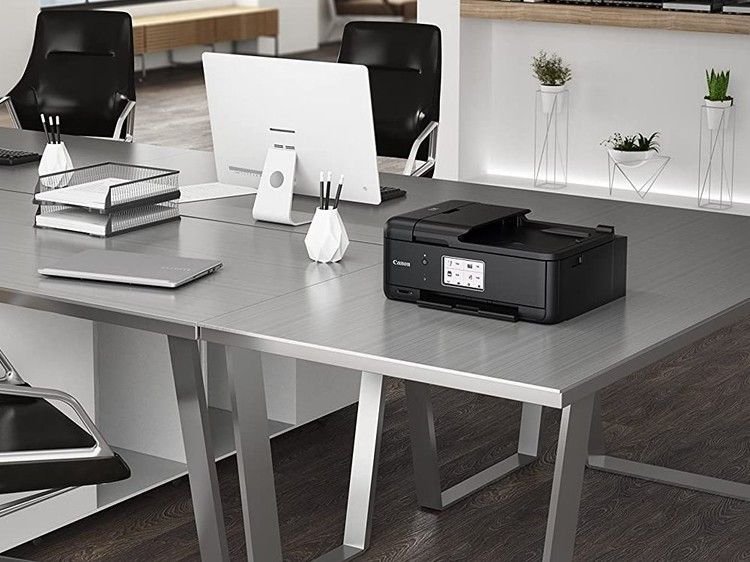
A smart habit is to assign your printer a proper “home.” It doesn’t need to be fancy, just thoughtful. A stable table, away from direct sunlight and not too close to walls that trap heat, is ideal. If possible, cover the printer when not in use—especially in environments where dust is common.
Take a moment once a week to wipe down the exterior. Once a month, open the paper tray and gently clean visible dust using a soft, dry cloth. Avoid using harsh chemicals. If your printer has accessible rollers, a light cleaning can prevent many feeding issues before they even start.
This habit might feel minor, but it addresses a surprising number of problems at their root. Clean surroundings lead to smoother operation.
habit two: use your printer regularly, even when you don’t need to
It sounds counterintuitive, but one of the worst things you can do to a printer is to leave it unused for long periods.
Inkjet printers, in particular, are sensitive to inactivity. When left idle, the ink inside the nozzles can dry out, leading to clogged print heads. When you finally try to print something important, you’re greeted with missing lines or faded text.
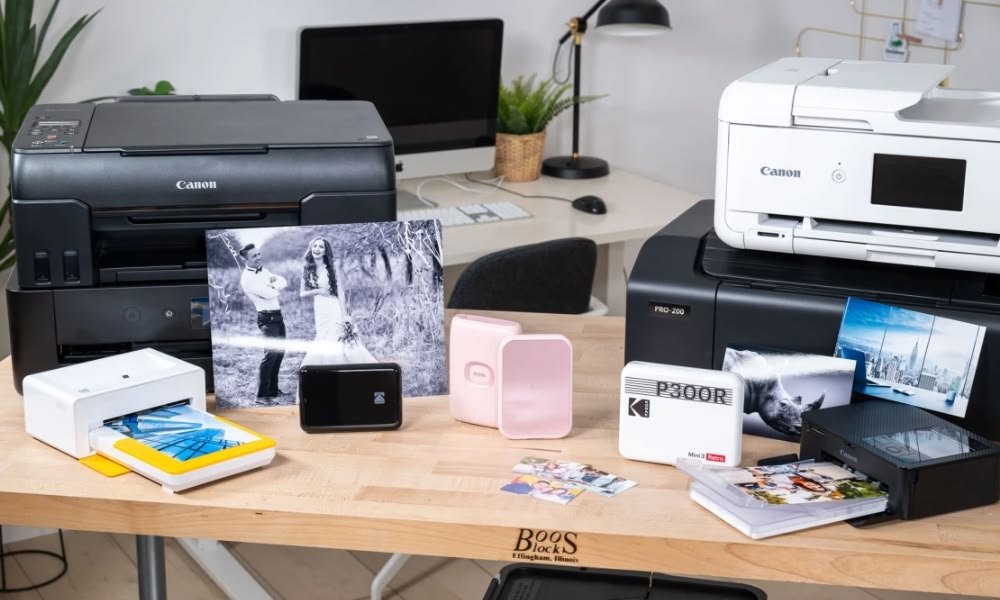
The solution is simple: use your printer consistently. You don’t need to print lengthy documents. A single test page or a small color image once every week is enough to keep the ink flowing and the nozzles clear.
You can even turn this into a routine. For example, every Sunday evening, print a one-page checklist or a simple document. It serves a dual purpose—you keep your printer active and verify that everything is working correctly.
Laser printers benefit from occasional use as well. While they don’t suffer from dried ink, their mechanical parts still perform better when used regularly. It prevents components from stiffening and ensures toner distributes evenly.
This habit is less about solving problems and more about preventing them from appearing in the first place.
habit three: pay attention to early warning signs
Printers rarely fail without warning. They whisper before they shout. The trick is to notice those whispers.
Maybe your prints start showing faint streaks. Perhaps the printer takes slightly longer to grab paper. Or you hear a new sound—a soft clicking that wasn’t there before. These are not random quirks; they are signals.
Instead of ignoring them, treat them as opportunities. A faint streak might mean your print head needs cleaning. A delay in paper feeding could indicate worn rollers or slightly curled paper. Addressing these small issues early can prevent bigger breakdowns later.
You can create a simple habit of observation. Every time you print, take a quick look at the output. Is the alignment correct? Are the colors consistent? Does the paper feed smoothly?
If something feels off, don’t postpone action. Most printers have built-in maintenance tools like cleaning cycles or alignment adjustments. Running these at the first sign of trouble is far more effective than waiting until the problem becomes severe.
Think of it as listening to your printer. It’s constantly communicating—you just need to pay attention.
habit four: choose quality supplies and store them properly
Not all paper and ink are created equal. While it may be tempting to save money by choosing the cheapest options available, this often leads to more frequent problems.
Low-quality paper tends to shed fibers, increasing dust inside the printer. It can also have inconsistent thickness, leading to jams. Similarly, poor-quality ink or toner can produce uneven prints and may even damage internal components over time.
A smarter approach is to find a reliable middle ground. You don’t always need premium supplies, but consistency matters. Stick to brands that have proven reliable for your printer model.
Equally important is how you store these supplies. Paper should be kept in a dry, flat environment. Avoid leaving it exposed to air for long periods, especially in humid conditions. Ink cartridges should remain sealed until needed, and once opened, used within a reasonable time frame.
Consider labeling your paper packs with the date you opened them. It sounds simple, but it helps you avoid using paper that has been sitting around for too long.
This habit reduces variability. When your supplies are consistent, troubleshooting becomes easier because you eliminate one major source of problems.
habit five: learn the basics of your printer’s maintenance features
Modern printers are more capable than many people realize. They come equipped with built-in tools designed to keep them running smoothly. The problem is that most users never explore these features.
Take a few minutes to familiarize yourself with your printer’s menu. You’ll likely find options for cleaning print heads, aligning cartridges, checking nozzle patterns, and updating firmware.
Instead of waiting for problems to force you into using these tools, incorporate them into your routine. For example, run a nozzle check every couple of weeks. If the pattern shows any gaps, perform a cleaning cycle immediately.
Firmware updates are another overlooked aspect. Manufacturers occasionally release updates that improve performance or fix bugs. Checking for updates every few months ensures your printer operates with the latest improvements.
If your printer has a companion app or software, explore it. Many issues can be diagnosed directly from your computer or phone, saving you time.
This habit transforms you from a reactive user into a proactive one. You’re no longer guessing—you’re using the tools designed to keep your printer healthy.
bringing it all together
Individually, these habits might seem small. But together, they create a system of care that keeps your printer functioning reliably.
A clean environment reduces mechanical issues. Regular use prevents clogs. Early observation catches problems before they escalate. Quality supplies ensure consistent performance. And understanding maintenance tools empowers you to take control.
What’s interesting is that these habits don’t require extra effort so much as a shift in awareness. Instead of treating your printer as something you only think about when it fails, you begin to interact with it in small, intentional ways.
Over time, the difference becomes noticeable. Fewer interruptions, better print quality, and less time spent troubleshooting.
a simple weekly routine you can follow
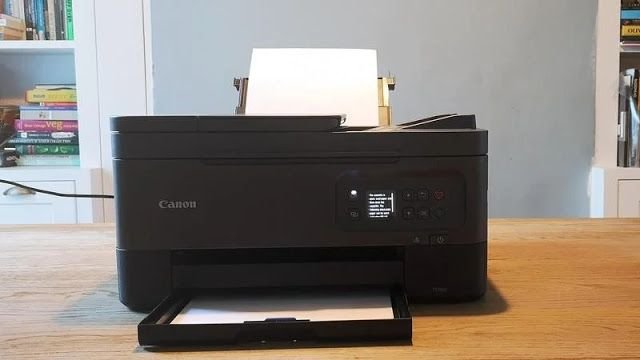
To make these habits easier to adopt, here’s a practical weekly routine you can try:
Monday: print a test page or small document
Wednesday: quickly check paper condition and printer surroundings
Friday: inspect recent prints for quality issues
Sunday: run a nozzle check or basic maintenance cycle
Once a month, do a slightly deeper clean and check for firmware updates.
This routine doesn’t take more than a few minutes, but it keeps everything in motion.
common mistakes to avoid
While building good habits, it’s also useful to recognize what not to do.
Avoid turning your printer on and off repeatedly in short intervals. This can interrupt internal processes.
Don’t ignore error messages. Even if the printer resumes working, those messages often indicate underlying issues.
Resist the urge to force paper through a jam. Doing so can damage rollers or sensors.
Don’t mix different types of paper in the same tray. It increases the chance of misfeeds.
By avoiding these pitfalls, you complement the positive habits you’re building.
a shift in mindset
At its core, effective troubleshooting isn’t about reacting quickly—it’s about thinking ahead. Printers are predictable machines. When you give them consistent care, they respond with consistent performance.
Instead of seeing troubleshooting as a stressful event, you can start viewing it as part of a routine. Something manageable, even simple.
This shift in mindset is what turns occasional fixes into lasting reliability.
frequently asked questions
- how often should I clean my printer?
Light cleaning, like wiping dust from the exterior, can be done weekly. Internal cleaning, such as running maintenance cycles, is usually sufficient once every few weeks unless you notice print quality issues. - is it bad to leave a printer unused for months?
Yes, especially for inkjet printers. Long periods of inactivity can cause ink to dry and clog the print heads. It’s better to print something small at least once a week. - can using cheap ink damage my printer?
In some cases, yes. Low-quality ink can lead to poor print quality and may clog or damage internal components over time. Consistent, reliable supplies are a safer choice. - why does my printer jam even with new paper?
Paper jams can occur due to dust on rollers, improper paper storage, or misaligned paper guides. Even new paper can cause issues if it has absorbed moisture or is not loaded correctly. - do I really need to update my printer’s firmware?
Firmware updates can improve performance, fix bugs, and enhance compatibility. While not always critical, checking for updates occasionally is a good habit. - what’s the easiest way to prevent print quality problems?
Regular use, proper storage of supplies, and paying attention to early warning signs are the most effective ways to maintain consistent print quality.
By starting with these five habits today, you’re not just fixing problems—you’re preventing them. And that’s where the real value lies.