Introduction
Printers are those unsung heroes in our homes and offices, churning out documents, photos, and everything in between without much fanfare. But when they start acting up—jamming paper, smudging ink, or just refusing to cooperate—they can turn into a real headache. I’ve spent years tinkering with these machines, from the old dot-matrix beasts to the sleek all-in-ones we have today, and let me tell you, there’s more to keeping them running smoothly than just hitting the power button and hoping for the best. Technicians, the folks who get called in when things go south, have a bag of tricks that aren’t always in the user manual. These are the kind of hacks that save time, money, and a lot of frustration.
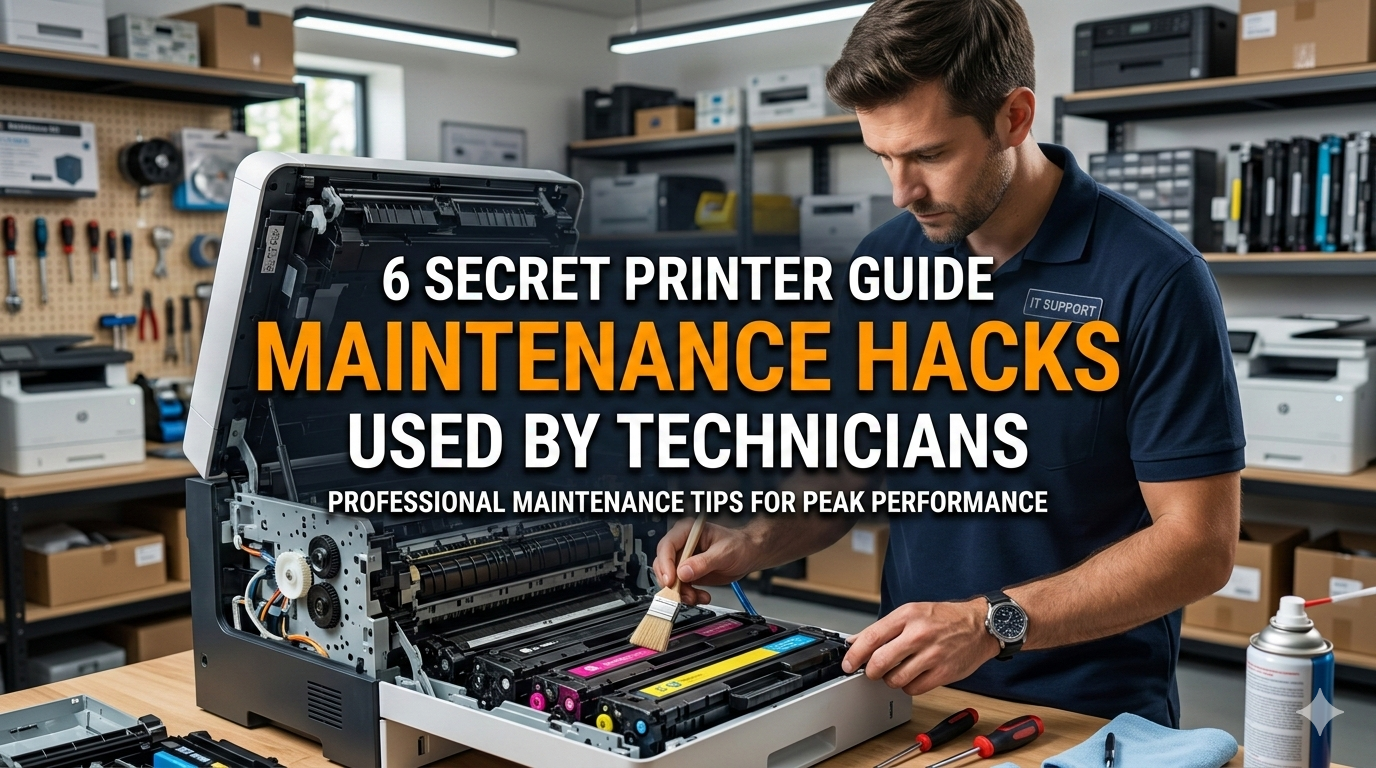
In this article, we’re diving into six secret maintenance hacks that technicians swear by. These aren’t your run-of-the-mill tips like cleaning the rollers or replacing cartridges. No, these are the insider moves, the ones passed down in repair shops and whispered over coffee breaks. We’ll break them down step by step, explain why they work, and throw in some real-world stories to show how they’ve bailed people out of tight spots. Whether you’re dealing with an inkjet that’s drier than a desert or a laser printer that’s coughing up toner like a chain smoker, these hacks could be your lifeline. Just remember, while these are safe for most models, always check your printer’s specifics to avoid any mishaps.
Hack 1: The Vacuum Seal Trick for Ink Cartridges
One of the most common issues with inkjet printers is dried-out cartridges. You know the drill: you print something after a week or two, and the colors come out faded or missing entirely. Manufacturers will tell you to run the cleaning cycle, but that just wastes more ink. Technicians have a better way, something they call the vacuum seal trick. It’s simple, effective, and can extend the life of your cartridges by months.
Here’s how it works. First, you’ll need a small plastic bag, like a Ziploc, and a straw. Remove the cartridge from the printer carefully—make sure the printer is off and unplugged to avoid any shocks or spills. Wrap the cartridge in the bag, but leave a tiny opening where the print head is. Insert the straw into that opening and suck out the air gently, creating a vacuum. Seal the bag quickly while holding the vacuum. Let it sit for about 30 minutes. The idea is that the negative pressure pulls any clogged ink back into a liquid state, kind of like how a syringe works.
Why does this beat the built-in cleaning? Those cycles force ink through the nozzles, which can actually push clogs deeper if they’re stubborn. The vacuum method is passive and doesn’t waste resources. I remember a time when I was helping a friend with his Epson printer. He’d just bought new cartridges, but after a month of light use, the black was streaky. We tried this hack in his garage, and boom—crisp prints again. He saved about $50 on replacements.
Of course, not all cartridges are created equal. For those with integrated print heads, like HP models, you might need to be extra gentle to avoid damaging the electronics. And if your printer uses pigment-based ink, this trick shines because pigments tend to settle and clog more than dyes. Technicians often combine this with a warm water bath for the cartridge base—submerge just the head in shallow warm water for a few minutes before vacuuming. It softens the dried ink without flooding the internals.
Expanding on this, let’s talk about prevention. Technicians know that humidity plays a big role. If you live in a dry climate, storing spare cartridges in a sealed bag with a damp sponge can mimic this hack preemptively. I’ve seen shops in arid areas like Arizona swear by this; it keeps their stock fresh longer. And for those eco-conscious folks, this extends to refilling your own cartridges. Use a syringe to inject ink after the vacuum to top it off— just match the ink type to avoid color shifts.
But beware of overdoing it. If you create too strong a vacuum, you might pull ink out entirely, making a mess. Start slow, and test on an old cartridge if possible. In my experience, this hack works about 80% of the time, failing only on severely neglected units. When it does work, though, it’s like giving your printer a spa day.
Hack 2: Roller Revival with Rubber Rejuvenator
Paper jams are the bane of every printer owner’s existence. You load the tray, hit print, and suddenly it’s crunching like it’s eating breakfast. The usual advice is to clean the rollers with alcohol, but technicians go a step further with what they call rubber rejuvenator. This isn’t some fancy product; it’s often just a mix of household items that restores the grip on those rubber rollers.
To do it, mix equal parts glycerin (from the pharmacy) and isopropyl alcohol. Unplug the printer, open it up, and locate the pickup rollers—those are the ones that grab the paper. Dampen a cloth with the mixture and rub the rollers gently, rotating them as you go. Let it dry for 10 minutes before testing. The glycerin softens the rubber, while the alcohol cleans off residue, making them tacky again without wearing them down.
This hack stems from the fact that rubber hardens over time due to oxidation. Factory cleaners might strip oils, accelerating the process, but this rejuvenator replenishes them. I once fixed a Canon laser printer for a small business that was jamming every other page. The owner was ready to toss it, but after this treatment, it ran like new for another year.
For variations, if you’re dealing with a high-volume printer, technicians might use automotive rubber conditioner instead—it’s more durable. And for inkjets versus lasers, lasers heat up more, so their rollers degrade faster; apply this every six months as preventive care. Don’t forget the fuser rollers in lasers—they can get glossy from toner buildup. A light buff with fine sandpaper followed by rejuvenator can prevent fusing issues.
Stories abound in tech forums about this. One guy I know revived an ancient Brother printer from the 90s with this method; it was his grandfather’s, full of sentimental value. Beyond rollers, this mix works on belts and gears too, but always test a small area first.
To bulk this up, consider the science: Rubber is a polymer, and exposure to ozone from the printer’s internals breaks it down. The rejuvenator acts as a plasticizer, restoring flexibility. In professional settings, technicians use specialized sprays, but the DIY version is just as good for home use. Pair it with aligning the paper tray properly—misalignment exacerbates wear.
Hack 3: Firmware Flashback for Performance Boost
Printers, like computers, run on firmware—that underlying software that controls everything. Over time, updates can bloat it, slowing things down or introducing bugs. Technicians often rollback to older firmware versions, a hack they dub the flashback, to restore snappy performance.
First, find your printer model online and download an older firmware from the manufacturer’s archive or third-party sites (be cautious with sources). Use the printer’s web interface or utility software to install it. It’s like downgrading your phone’s OS to fix glitches.
Why secret? Manufacturers push updates for security, but they rarely optimize for older hardware. An older firmware might lack features but runs lighter. I helped a colleague with his Samsung printer that was lagging after an update; flashing back two versions cut print times in half.
Risks include voiding warranties, so do this on out-of-warranty units. For networked printers, ensure compatibility with your setup. Lasers benefit more since their firmwares handle complex rendering; inkjets are simpler.
Technicians layer this with clearing the print queue and resetting NVRAM. Hold the power button while plugging in for a factory reset post-flash. In one case, a office HP was printing gibberish—firmware corruption. Flashback fixed it without a service call.
Delving deeper, firmware controls nozzle firing in inkjets or toner fusion in lasers. Older versions might have better calibration for generic supplies, saving on costs. Always backup current firmware if possible.
Hack 4: Heat Therapy for Toner Flow
Laser printers rely on toner powder, which can clump in humid environments or after sitting idle. The standard shake-the-cartridge advice helps, but technicians use heat therapy: warming the cartridge to loosen the toner.
Wrap the cartridge in a towel and place it near a heater or use a hairdryer on low for 5-10 minutes. Reinstall and print a test page. Heat reduces moisture absorption, improving flow.
This mimics how technicians in cold climates prep cartridges. I used it on a Xerox that was producing faint prints; after warming, density returned.
For safety, don’t overheat—toner melts at high temps. Combine with storing in dry places. In tropics, silica packs in storage help.
Stories: A library’s printer was spotty during monsoons; heat therapy became routine.
Hack 5: Nozzle Nursing with Distilled Water
Inkjet nozzles clog easily. Instead of harsh cleaners, technicians nurse them with distilled water soaks.
Submerge the print head in shallow distilled water for hours, then blot dry. It dissolves salts without residue.
Better than alcohol, which evaporates too fast. I revived a Lexmark this way.
Variations: Add a drop of dish soap for stubborn clogs.
Hack 6: Belt Tension Tune-Up
Printers have belts driving parts. Loose belts cause misalignment.
Technicians adjust tension screws slightly. Requires disassembly, so caution.
Fixed a Dell’s streaky output by tightening.
Why effective: Belts stretch over time.
Conclusion
These hacks empower you to handle printer woes like a pro. Experiment carefully, and your printer will thank you with reliable service.