
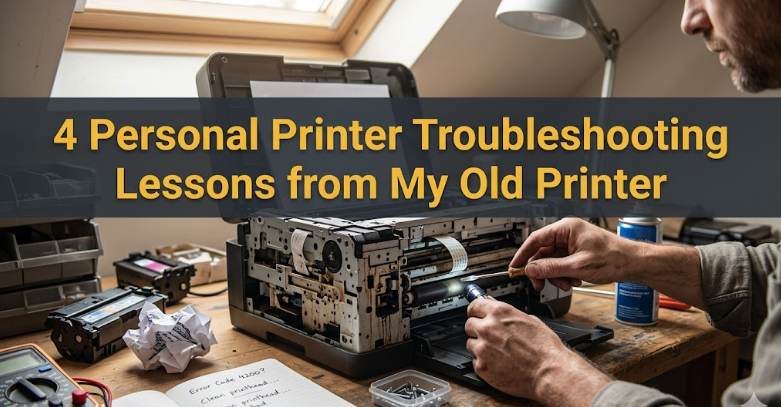
4 personal printer troubleshooting lessons from my old printer
There was a time when my old printer sat quietly in the corner of my workspace, humming along like a loyal companion. It wasn’t sleek, fast, or even particularly modern. It had a habit of making strange noises, occasionally refusing to cooperate, and sometimes producing pages that looked like abstract art instead of documents. But over the years, that stubborn machine taught me more about patience, problem-solving, and practical troubleshooting than any manual ever could.
This isn’t just a collection of technical fixes. It’s a set of lived experiences—moments of frustration, small victories, and lessons learned the hard way. If you’ve ever found yourself staring at a blinking error light or a paper jam that refuses to clear, you’ll probably recognize a bit of your own story here.
lesson one: the simplest problems are often the most overlooked
I remember one particular morning when I had an urgent document to print. Deadlines were tight, and everything depended on getting those pages out quickly. I pressed “print,” waited, and… nothing. No sound, no movement, no response.
My immediate assumption was that something serious had gone wrong. Maybe the printer driver had crashed. Maybe the device had finally reached the end of its life. I started digging through settings, reinstalling software, and even searching for replacement parts online.
After nearly an hour of frustration, I noticed something embarrassingly simple: the printer wasn’t properly plugged into the power socket. The cable had come loose just enough to cut off power.
That moment stuck with me. It was a reminder that when things go wrong, the first step isn’t to assume complexity—it’s to check the basics.
From then on, I developed a simple checklist whenever the printer acted up:
- Is the power cable secure?
- Is the device turned on?
- Is it connected to the computer or network?
- Are there any obvious error messages?
It sounds almost too basic to mention, but you’d be surprised how often these simple checks resolve the issue. In many cases, we jump straight into complicated solutions because we assume the problem must be complicated too.
There’s a kind of humility in starting with the obvious. It saves time, reduces stress, and prevents unnecessary troubleshooting steps that can sometimes create more problems than they solve.
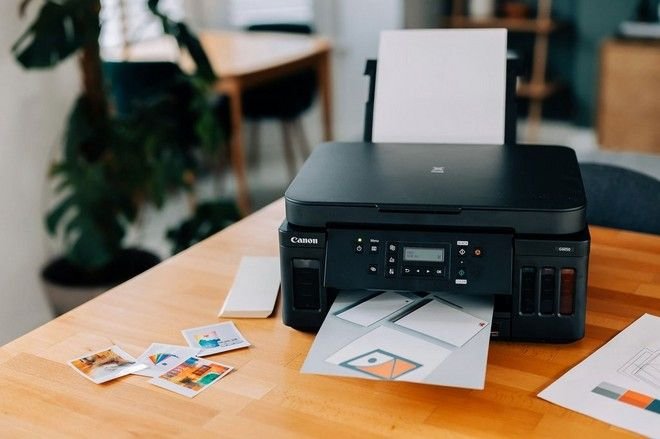
lesson two: paper jams are rarely just about paper
Paper jams were the defining characteristic of my old printer. They didn’t happen occasionally—they happened regularly, almost predictably. At first, I treated each jam as a random annoyance. Pull out the paper, close the tray, and move on.
But over time, I started noticing patterns.
Sometimes the paper would crumple at the same spot. Other times, multiple sheets would feed in at once. Occasionally, the printer would claim there was a jam even when there wasn’t any visible obstruction.
That’s when I realized something important: a paper jam is usually a symptom, not the root cause.
I began paying closer attention to the conditions leading up to each jam. Was the paper aligned properly? Was the tray overloaded? Was the paper itself slightly damp or curled?
It turned out that small details mattered a lot. A slightly bent corner could throw off the entire feed mechanism. Dust inside the rollers could reduce grip. Even the quality of the paper played a role.
Eventually, I started treating paper jams as diagnostic clues rather than isolated incidents. I cleaned the rollers gently with a lint-free cloth. I stored paper in a dry place. I made sure the stack wasn’t too tight or too loose in the tray.
The result wasn’t perfection—my printer still jammed occasionally—but the frequency dropped significantly.
This lesson extended beyond printing. It changed how I approached problems in general. Instead of asking, “How do I fix this?” I started asking, “What’s causing this to happen in the first place?”
That shift in thinking made troubleshooting more effective and less repetitive.
lesson three: maintenance is not optional, it’s preventative
For a long time, I treated my printer like most people do: as long as it worked, I left it alone. Maintenance felt unnecessary, something you only did when things broke.
That mindset changed the day my prints started coming out streaked and faded. At first, I thought the ink cartridge was running low. I replaced it, expecting a quick fix. But the problem persisted.
That’s when I discovered the importance of regular maintenance.
Printers, especially inkjet models, rely on delicate components that can become clogged or misaligned over time. Ink dries, dust accumulates, and internal parts wear down. Ignoring these factors doesn’t just affect print quality—it can lead to more serious issues.
I began running cleaning cycles periodically, even when there wasn’t an obvious problem. I checked for firmware updates. I wiped down accessible parts and kept the machine in a relatively dust-free environment.
One small habit made a big difference: printing a test page every few days, even if I didn’t need to print anything. This kept the ink flowing and prevented clogs from forming.
Maintenance isn’t glamorous. It doesn’t provide the immediate satisfaction of fixing a problem. But it reduces the likelihood of problems occurring in the first place.
Think of it like taking care of a car. You don’t wait for the engine to fail before changing the oil. You do it regularly to keep everything running smoothly.
The same principle applies to printers. A little effort upfront can save a lot of time and frustration later.
lesson four: patience is the most underrated troubleshooting tool
If there’s one thing my old printer taught me above all else, it’s patience.
There were moments when nothing seemed to work. I’d follow every step, check every connection, and still end up with the same error message. In those moments, frustration would build quickly.
I’d start rushing, skipping steps, and trying multiple fixes at once. Ironically, this usually made things worse.
Over time, I learned to slow down.
When a problem appeared, I began approaching it methodically:
- Identify the issue clearly.
- Try one solution at a time.
- Observe the results before moving on.
- Avoid making multiple changes simultaneously.
This approach required patience, but it also made troubleshooting more effective. It allowed me to isolate the cause of the problem rather than guessing blindly.
Sometimes, the best solution was to step away for a few minutes. A short break often provided a fresh perspective. What seemed confusing before would suddenly become obvious.
Patience also helped in dealing with the printer itself. Some processes, like cleaning cycles or firmware updates, take time. Interrupting them can cause more harm than good.
In a world where we expect instant results, patience can feel like a disadvantage. But when it comes to troubleshooting, it’s one of the most valuable skills you can develop.
a reflection on lessons learned
Looking back, my old printer was far from perfect. It was slow, noisy, and occasionally unreliable. But it was also a surprisingly effective teacher.
It taught me to start with the basics, to look beyond surface-level symptoms, to value regular maintenance, and to approach problems with patience.
These lessons didn’t just make me better at dealing with printers. They influenced how I handle challenges in other areas of life as well.
There’s something uniquely instructive about working with imperfect machines. They force you to think, to adapt, and to learn through experience rather than relying on quick fixes.
Even now, with newer and more advanced printers available, I find myself applying the same principles. Technology may change, but the fundamentals of troubleshooting remain the same.
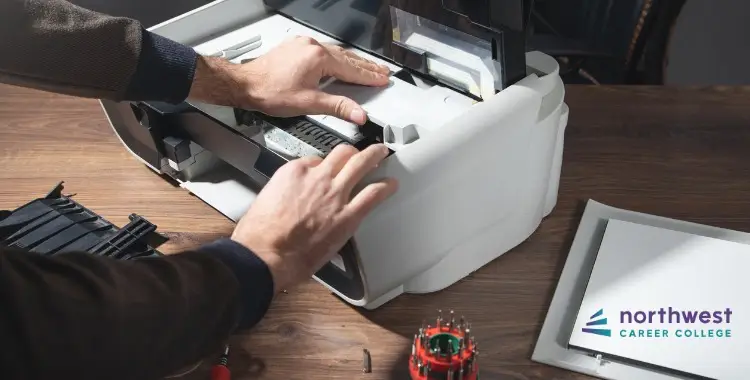
practical takeaways you can apply immediately
If you’re dealing with your own printer issues, here are a few practical takeaways inspired by these lessons:
Start simple. Before diving into complex solutions, check the basics—power, connections, and settings.
Pay attention to patterns. Repeated issues often have underlying causes that can be identified with careful observation.
Maintain regularly. Don’t wait for problems to appear before taking care of your printer.
Be patient. Troubleshooting is a process, not a race.
These principles may seem straightforward, but their impact is significant when applied consistently.
frequently asked questions
- why does my printer keep showing an error even when nothing is wrong?
Printers rely on sensors to detect issues, and these sensors can sometimes misread conditions. Dust, small paper fragments, or even slight misalignments can trigger false errors. Restarting the printer, checking for hidden obstructions, and ensuring all components are properly seated can often resolve the issue.
- how often should i perform printer maintenance?
Basic maintenance, like cleaning and test printing, should be done every few weeks if you use your printer regularly. If usage is infrequent, running a test print once a week can help prevent ink from drying and components from becoming clogged.
- what’s the safest way to fix a paper jam?
Always turn off the printer before attempting to remove jammed paper. Pull the paper gently in the direction of the feed to avoid damaging internal components. Avoid using excessive force, and check for any remaining fragments before restarting the printer.
- why are my prints coming out faded or streaked?
This is usually caused by clogged print heads, low ink levels, or poor-quality cartridges. Running a cleaning cycle and ensuring you’re using compatible, high-quality ink can often fix the problem.
- is it better to repair an old printer or replace it?
It depends on the cost of repair and the age of the printer. If the repair cost is close to or exceeds the price of a new printer, replacement may be more practical. However, minor issues are often worth fixing, especially if the printer still meets your needs.
- can using low-quality paper really cause problems?
Yes, low-quality or damaged paper can lead to feeding issues, paper jams, and even reduced print quality. Using clean, properly stored paper that meets your printer’s specifications can significantly improve performance.
In the end, my old printer was more than just a device—it was a quiet instructor in the background, teaching lessons that extended far beyond its mechanical limitations. And while I don’t miss its quirks, I do appreciate everything it taught me along the way.